
GXV 3501 network camera user manual, introduces the features, installation and connection methods of the product
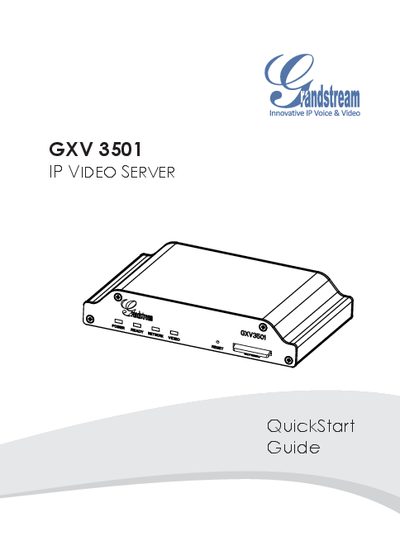
This guide provides safety precautions, package contents, and step‑by‑step instructions for connecting the GXV 3501. It explains two power options – using the supplied 12 V DC adapter or a PoE switch – and shows how to attach an analog camera via the BNC video port.
The document also details web‑based configuration: setting a PC to the same subnet, accessing the device at 192.168.1.168, logging in with the default admin credentials, installing the required GSViewer ActiveX control, and viewing the video feed. Advanced settings can be reached through the left‑hand menu of the web UI.
| Operating Temperature | -10 °C to +55 °C |
|---|---|
| Operating Humidity | 10‑90 % RH (non‑condensing) |
| Power Input | 12 V DC (adapter) or PoE |
| Network Interface | RJ45 Ethernet |
| Video Input | BNC connector for analog camera |
| Web Interface Address | http://192.168.1.168 |
| Default Login | Username: admin, Password: admin |
The default username and password are both "admin".
Enter http://192.168.1.168 in a web browser’s address bar.