
This manual provides instructions on how to connect and configure the Grandstream GXV3611HD IP camera.
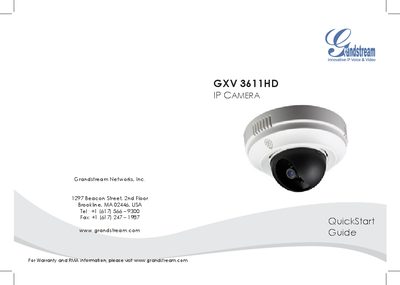
This guide provides safety precautions and step‑by‑step instructions for powering and connecting the GXV3611HD dome camera. You can use a 12 VDC power adapter (Option A) or a Power over Ethernet switch (Option B) and then connect the RJ45 network cable to your network.
The document also explains how to access the camera’s web interface at 192.168.1.168, log in with the default credentials (admin/admin), install the required ActiveX control, and configure basic settings such as IP address, DNS, and video feed. Lens specifications and a sample connection diagram are included for reference.
| Lens Mount | M12 |
|---|---|
| Resolution | 1 Megapixel |
| Image Format | 1/3" |
| Image Sensor | CMOS |
| Focal Length | 42 mm |
| View Angle | 7° |
| Aperture | f/1.8 |
| Lens Size | 14 × 15.8 mm |
Both the default username and password are set to “admin”.
Enter 192.168.1.168 in the browser’s address bar.