
The GXP280/GXP285 is an entry-level SIP phone that features an LCD screen and customizable dial pad, making it ideal for home and small business use.
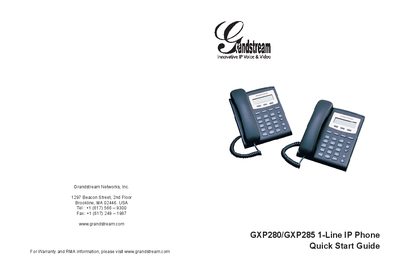
The GXP280/GXP285 is an entry‑level SIP phone with a 128 × 32 LCD screen, three programmable soft‑keys, and a single voice line. It offers high‑quality audio, basic telephony features, and compatibility with most SIP platforms, making it a cost‑effective choice for businesses.
The guide provides step‑by‑step instructions for mounting the phone on a wall or using the included stand, connecting power, LAN, and handset cables, and configuring the device via its web interface or keypad. Precautions, emergency‑service disclaimer, and keypad navigation tips are also included.
| LCD screen resolution | 128 × 32 |
|---|---|
| Number of lines | 1 line |
| Soft‑keys | 3 programmable soft‑keys |
| Power supply | 5 V DC adapter (included) |
| LAN port | RJ‑45 Ethernet port |
| Handset port | Phone cord connector |
No. The phones are not pre‑configured for emergency services; you must arrange a separate telephone service for that purpose.
Only the 5 V DC power adapter that comes with the phone should be used; other adapters may damage the unit.
Connect the phone to the network, find its IP address via the MENU → Status screen, then enter that address in a web browser. The default admin password is “admin” and the user password is “123”.
Attach the phone stand to the bottom of the phone, align the wall‑mount holes, and secure the phone to the wall using the provided spacers.