
This document introduces the customer documentation for Nortel Knowledge Network Enterprise Voice Solutions, focusing on the user guide for the Meridian Digital Telephone series (M3901, M3902, M3903, M3904). The document provides detailed information on the telephone's controls, terms, and various call features.
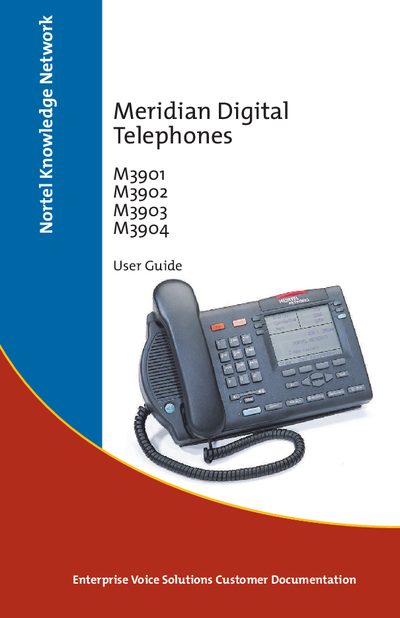
The guide provides detailed instructions for operating the Meridian M3900 series digital telephones, including basic call handling, hands‑free operation, call parking, group listening, and conference calling. It also describes the telephone’s display options, programmable feature keys, and how to customize settings such as ring type and language.
Additional sections cover advanced features like automatic wake‑up, hospitality functions, and the use of accessories such as the Accessory Connection Module, headsets, and expansion modules. The document ends with legal notices and part numbers for reordering.
The guide shows a procedure titled “Make a call while on‑hook”.
Use the “Activate/ deactivate Group listening” option in the feature menu.