
This document is a connection guide for Sony TV, which introduces how to connect various signal sources to Sony TV, including cable TV, satellite TV, external devices, etc.
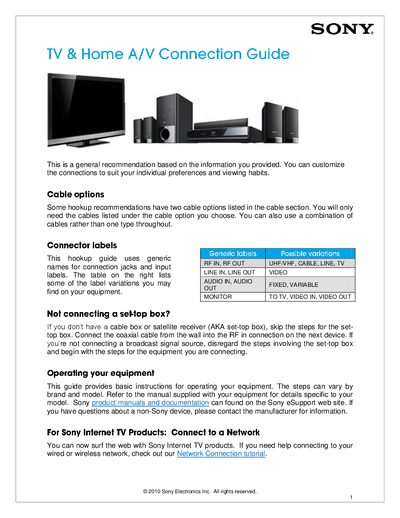
The guide provides recommendations and step‑by‑step instructions for wiring a TV with a set‑top box, DVD recorder or DVR unit. It covers cable options, connector labels, and how to handle situations when a set‑top box is not used.
Detailed connection diagrams show how to link coaxial, HDMI, composite A/V, and DVI cables between devices. The manual also includes a glossary of terms and a test procedure to verify that audio and video are correctly routed.
| Required TV inputs | HDMI or DVI and composite A/V |
|---|---|
| HDMI cables needed | 2 |
| Composite A/V cables needed | 2 |
Use an HDMI‑to‑DVI adapter, connect the HDMI cable to the adapter, then run a DVI cable from the adapter to the TV’s DVI input.