
This is a user manual for a 24-pin dot matrix printer. It introduces the connection, installation, use and troubleshooting of the printer.
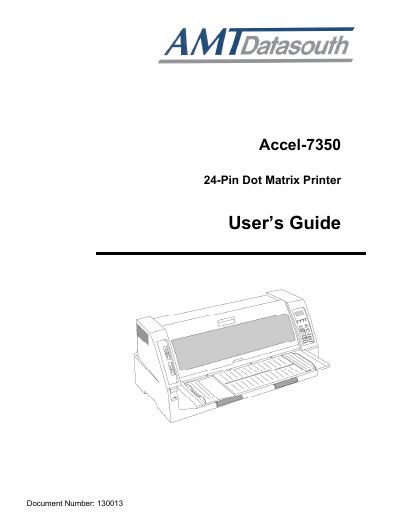
The Accel-7350 24‑Pin Dot Matrix Printer User Guide provides step‑by‑step instructions for unpacking, connecting power and data interfaces, installing the ribbon cassette, and configuring paper handling options. Safety precautions and FCC compliance information are also included.
The manual details control‑panel functions, setup modes, memory formats, and a comprehensive troubleshooting section with error codes and solutions. Technical specifications such as printing speed, interface options, power requirements, and paper specifications are listed in the final chapter.
| Printing Method | Serial impact dot matrix |
|---|---|
| Print Head | 24‑pin |
| Maximum column | 136 columns (10cpi) |
| Print speed LQ | 150 CPS (10cpi) |
| Print speed NORMAL | 200 CPS (10cpi) |
| Print speed DRAFT | 300 CPS (10cpi) |
| Print speed High 2 | 400 CPS (10cpi) |
| Print speed SSD | 600 CPS (15cpi) |
| Interface | Parallel (IEEE 1284) and Serial |
| Power supply | AC 120 V 60 Hz (USA/Canada) / AC 220‑240 V 50‑60 Hz (Europe/Asia) |
| Power consumption (draft mode) | 170 W |
| Dimensions | 25 in (W) × 18.3 in (D) × 11.6 in (H) |
Turn the power switch to OFF, plug the supplied power cord into an AC outlet that matches the voltage shown on the printer’s rating label, then turn the switch ON.
The printer can operate on AC 120 V 60 Hz for the USA/Canada market and on AC 220‑240 V 50‑60 Hz for Europe and Asia.