
This document provides a quick guide for using the WorkForce 545/645 series printer, including instructions on using special papers, copying, scanning, printing, faxing, maintaining, and troubleshooting.
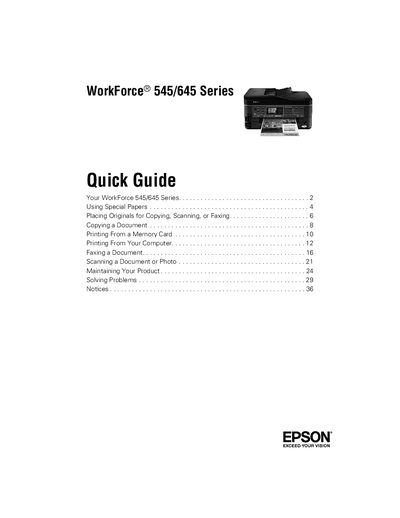
This Quick Guide provides essential instructions for using the Epson WorkForce 545/645 Series multifunction printer. It covers basic operations such as copying, scanning, faxing, printing from memory cards or a computer, and using special paper types.
The guide also explains how to adjust the control panel, load paper, use the Automatic Document Feeder, and troubleshoot common issues. It references the online User’s Guide for detailed information and includes safety notices and warranty details.
| Network connectivity | Wi‑Fi and Ethernet |
|---|---|
| Built‑in memory card reader | Supports copying files to/from computer |
| Control panel adjustment | Adjustable panel with release bar |