
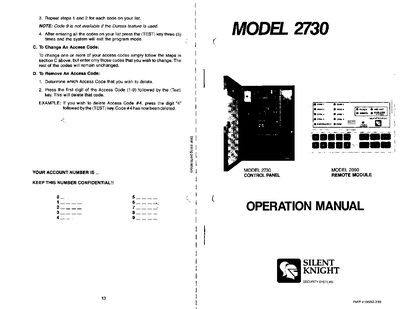
The Silent Knight Model 2730 is a microprocessor‑based security system that includes a control panel, a Model 2090 remote keypad, and various sensors such as door contacts, motion detectors, and smoke detectors. The system supports up to ten access codes, zone status indicators, and optional features like 24‑hour zones, interior zones, and an intercom module.
This operation manual covers system introduction, basic description, keypad functions, optional system features, programming access codes, and detailed operating procedures such as arming, disarming, shunting zones, testing the communicator, and handling duress or trouble conditions.
| Maximum number of access codes | 10 |
|---|---|
| Zone status lights | 1‑8 |
| 24‑hour zone capability | Yes |
| Duress reporting | Yes |
Press the SHUNT key, then press 0, and enter your access code; the trouble tone stops and the TROUBLE SILENT light turns on.
The system can store up to ten separate access codes.
Press the TEST key and then enter Code 0; the test code is sent to the central station and all keypad lights flash for verification.