
This document is a user manual for the Point-of-Sale Hardware System, revised in June 2008, version 1.2a. The document provides information about the hardware system, including user instructions, safety guidelines, and trademark information.
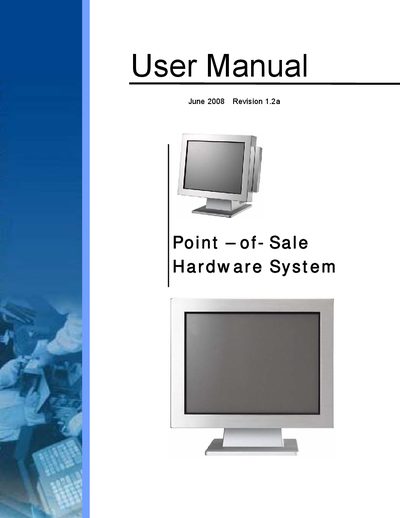
This manual covers important safety information for the Point‑of‑Sale hardware, including power‑off procedures, ventilation requirements, and handling of lithium batteries. It also details the system view, driver installations, and step‑by‑step hardware installation.
Later sections describe system disassembly, BIOS configuration, jumper settings, and specifications, helping technicians service, upgrade, or troubleshoot the device.
Turn on or reboot the product, then press the DEL key immediately after the product is turned on.
Do not allow anything to rest on the power cord.
The BIOS setup defines how the system is configured.