
This manual introduces the use of EIS-2B and EIS-W Serial to Ethernet and Internet.
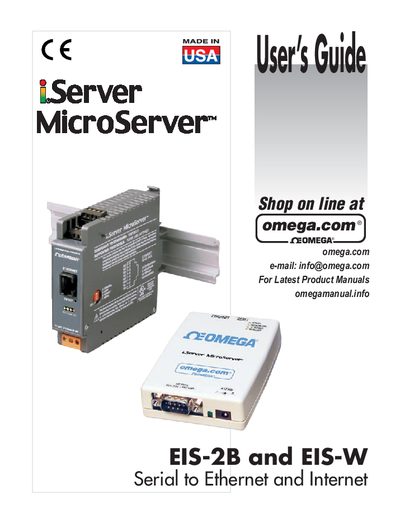
The EIS-2B and EIS-W iServer units from Omega convert serial RS232/RS485 signals to Ethernet and provide Internet access for remote monitoring and control. This guide covers safety, hardware installation, network configuration, and operation of the devices.
The manual includes detailed wiring diagrams, DIP switch settings, IP configuration steps, remote access (tunneling) procedures, software tools (iConnect, iLog, Mail Notifier), specifications, factory preset values, and regulatory approvals. Safety and EMC considerations are highlighted throughout.
| Network Interface | 10Base‑T RJ‑45 |
|---|---|
| Serial Interfaces | RS232 and RS485 |
| Default IP Address | see section 3.5.1 |
Use the iConnect software or the web‑browser configuration page as described in the Device Setup section.
Use shielded cables, keep signal and power wires separate, use twisted‑pair wiring, and install ferrite beads near the instrument.
Remote access is provided via the Remote iServer tunneling feature described in section 4.10.