
This document is a manual for the PC, DVI, HDMI, and video interface controller for TFT panel. It provides instructions on how to use the controller, system design, assembly notes, connection and operation, connectors and pinouts, controller dimensions, application notes, troubleshooting, specifications, and more.
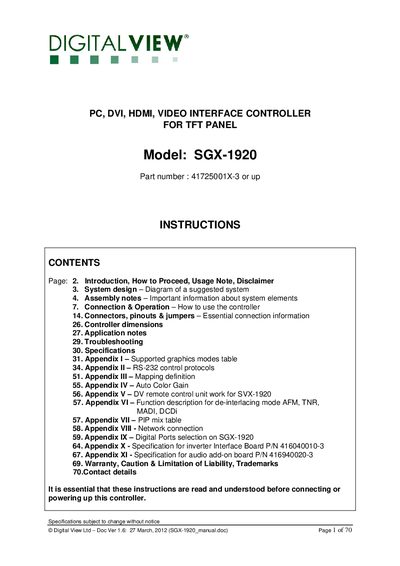
The SGX-1920 is a video interface controller that accepts HDMI, DVI, VGA, S‑Video and Composite inputs and drives a wide range of TFT LCD panels up to 1920 × 1200 resolution. The manual provides system design guidance, assembly notes, connector pinouts, and detailed operation procedures.
Key sections cover power requirements, jumper settings, optional audio add‑on board, network control, troubleshooting, and a full specifications table. Appendices include graphics mode tables, RS‑232 protocols, de‑interlacing functions, PIP mixing, and hardware interface details.
| Supported resolutions | 1920x1200, 1920x1080, 1920x480, 1680x1050, 1600x1200, 1600x900, 1440x900, 1366x768, 1280x1024, 1280x800, 1280x768, 1024x768, 1024x600, 800x600, 800x480, 640x480 |
|---|---|
| Power input | 12 V / 24 V DC regulated supply |
| External panel power output options | 3.3 V (7 A), 5 V (7 A), 12 V (5 A), 18 V (3.5 A) |
| Audio add‑on board requirement | Operates only under 12 V DC |
It requires a regulated 12 V or 24 V DC power supply.
Press and hold the MENU button while powering on the controller to access Programming Mode.
The product is warranted for three (3) years from the date of purchase, provided it is not modified and is used under normal conditions.