
This document is a user manual for a Point-of-Sale (POS) hardware system, providing information about its features and characteristics.
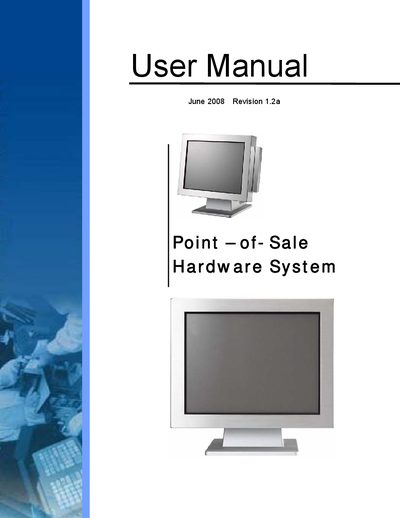
This manual provides safety instructions, an item checklist, and detailed procedures for installing, configuring, and maintaining the Point‑of‑Sale hardware system. It includes guidance on power connections, ventilation, and handling of lithium batteries.
The document also describes BIOS setup steps, driver installations, and how to replace major components such as the HDD, touch board, fan, inverter board, and main board. Troubleshooting tips for BIOS issues are included.
Turn on or reboot the product and press the DEL key immediately after power‑on to enter the BIOS setup.
Turn off the power switch and remove the power cord plug from the wall socket.
Replace only with the same or equivalent type recommended by the manufacturer.