
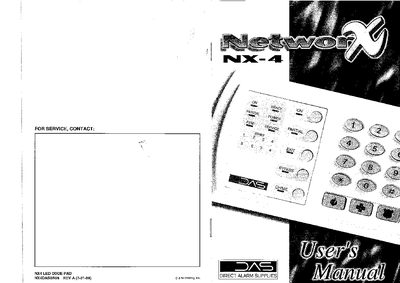
This manual provides step‑by‑step instructions for installing, arming, disarming, and maintaining the Networx NX4 security system. It covers code pad operation, emergency activation keys, zone bypassing, and how to program user codes and telephone numbers.
The guide also includes a glossary of terms, descriptions of the indicator lights, service menu functions, and procedures for testing the system, resetting smoke detectors, and managing system dates and times.
| LED Code Pad lights | up to 35 lights |
|---|---|
| Arming code length | 4 or 6 digits |
| Power light behavior | flashes on low battery |
Close all protected doors and windows, ensure the Ready light is on or flashing, then enter your 4‑ or 6‑digit user code; the Armed and Exit lights will illuminate.
With the system disarmed, press [>][5], enter the Master code, select the user number, then enter the new 4‑ or 6‑digit code and confirm.
The Power light is on when primary AC power is present and flashes if the system detects a low battery condition.
Disarm the system, press the [] key, then press [7]; the system will attempt a reset and will beep if it fails.