
HD IP Set-Top Box is the detailed instructions for this product, which mainly introduces the features, installation and use of the set-top box
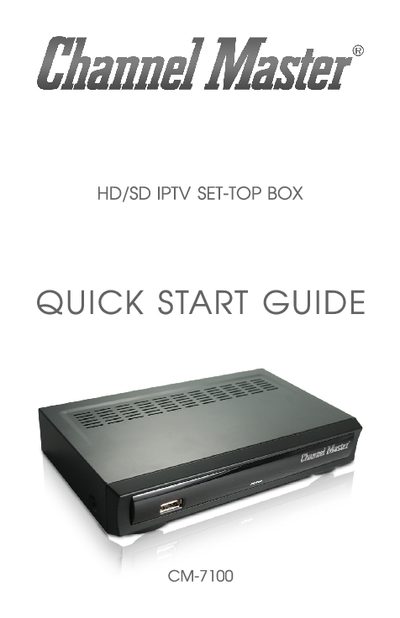
This Quick Start Guide introduces the Channel Master CM-7100 HD/SD IPTV Set-Top Box, outlines its main features, and lists the package contents. It provides safety warnings, recommended operating environment, and handling instructions to protect the device and ensure user safety.
The guide walks the user through powering on the box, connecting TV and network cables, using the remote control, and configuring audio/video settings. It also includes a troubleshooting section and a list of TV brand codes for proper channel mapping.
| Processor and Memory | Embedded SoC Processor with 512 MB DDR2 SDRAM |
|---|---|
| Video Decoding | MPEG2, MPEG4, H.264 |
| Audio Decoding | AAC and other audio formats |
| Digital Audio Output | S/PDIF & HDMI |
| Video Output | NTSC or PAL, 4:3 and 16:9, Composite and HDMI |
| USB Interface | USB 2.0 up to 480 Mbps |
| Power Adapter | Manufacturer‑supplied adapter only |
Connect the supplied power adapter to the unit, then press the power button after the adapter is plugged in.