
This manual introduces the features, specifications, system requirements, rear view and jumper settings of ARAID 3500 / S3500.
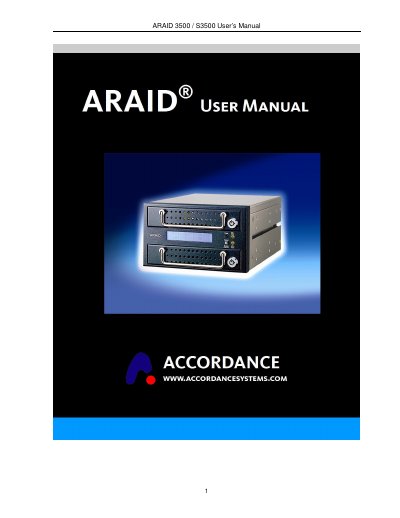
This manual covers everything needed to install and operate the ARAID 3500 / S3500 RAID controller. It includes unpacking instructions, hardware specifications, system requirements, front‑panel controls, jumper settings, and detailed guidance for RAID 0 and RAID 1 operation modes.
The guide also explains the Auto Rebuild Function (ARF), Mirror‑On‑Demand procedures, power‑failure handling, virus‑recovery recommendations, and steps for replacing or upgrading hard drives. Appendices provide a product question report form and additional technical references.
| Dimensions | Length 195 mm × Width 146 mm × Height 86 mm |
|---|---|
| Weight (without hard drive) | ≈ 1.27 kg |
| Operating Temperature | 0 °C – 55 °C |
| Storage Temperature | -20 °C – 70 °C |
| Power Requirements | +5 V / +12 V |
| Cooling Fan | 6 cm high durable fan |
| Host Interface | Standard Serial ATA II (3 Gb/s) or IDE |
The default mode is Dual drive mode, where both primary and secondary drives are active and synchronized.
Switch the front‑panel from Single mode to Dual mode; the controller will duplicate the primary drive to the secondary drive.