
CK3 Mobile Computer User's Manual
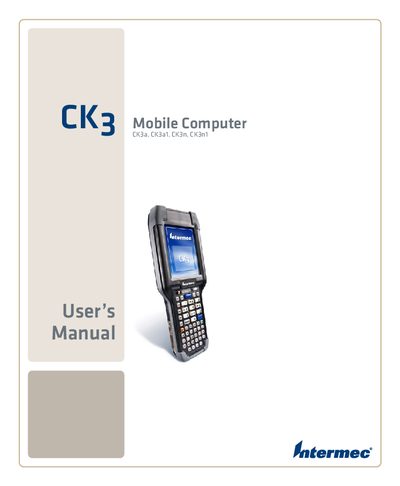
This manual covers all aspects of using the Intermec CK3 Mobile Computer, including safety information, battery handling, scanning functions, and connectivity options. It is intended for end‑users and service personnel who need to operate or service the device.
Detailed sections guide you through setting up wireless connections, configuring Bluetooth and Ethernet, installing applications, and troubleshooting common issues. Technical specifications and default settings are also provided for reference.
The manual includes a "Charging the Battery" section that explains the charging procedure.
Refer to the "Connecting to a PC" section for step‑by‑step instructions.
The manual provides a "Configuring Bluetooth Communications" section that details the setup process.