
This manual describes the features and usage of CoreExpress carrierboard.
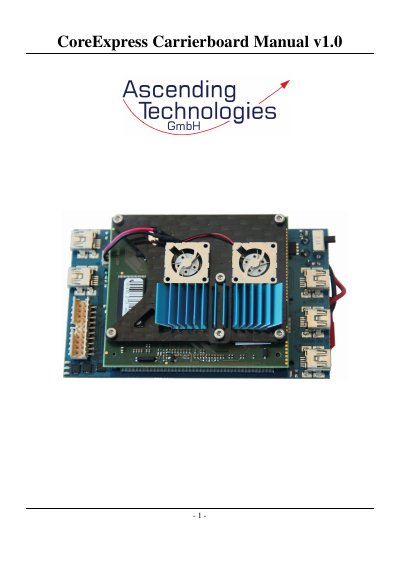
This document provides a system overview of the CoreExpress Carrierboard, describing status LEDs, USB, Mini‑PCIe, micro‑SD, UART, and LVDS display interfaces. It also details the pre‑installed Ubuntu 9.04 image on the micro‑SD card and how to log in and configure drivers.
Installation instructions cover creating a bootable Linux system on an SD card, enabling boot from SD, and additional notes on kernel modules and boot configuration. Contact details for Ascending Technologies are listed at the end.
| USB port current limit | Each port can source 500 mA; permanent load ≤ 1000 mA, peak ≤ 2000 mA |
|---|---|
| Micro SD‑Card compatibility | SDHC compatible, supports cards > 2 GB |
| Display connector | LVDS, supports 18‑bit and 24‑bit color displays |
Use the username **asctec** and password **asctec** at the console login prompt.
Each USB port can supply up to 500 mA, with a total permanent load limit of 1000 mA and a peak load limit of 2000 mA.
Both UARTs appear as /dev/ttyUSB0 and /dev/ttyUSB1, provided by the FTDI FT2232 chip.