
mediaBOX Media Player User's Manual, for Windows XP embedded and Ubuntu operating systems
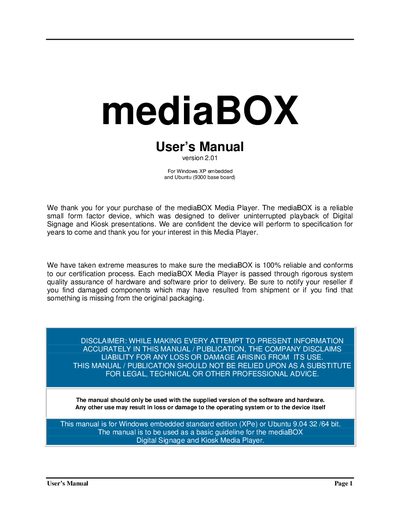
This manual covers the mediaBOX Media Player hardware and pre‑installation requirements, including package contents, Ethernet, wireless, video and sound interfaces, and environmental considerations. It also explains how to install and configure the device on Windows Embedded Standard or Ubuntu, covering network setup, display configuration, capture device options, and the optional USB OS restore system.
Further sections describe digital signage network connectivity, monitoring tools such as the Watchdog controller, real‑time snapshots, and reporting features. The guide includes instructions for dual‑monitor setups, content updates via USB, and troubleshooting tips for network and power issues.
| Ethernet | 10/100/1000 Mb |
|---|---|
| Wireless | 802.1x compatible |
| Video ports | VGA / HDMI / DVI |
| Sound ports | optical, coax, mini‑jack |
| Operating temperature limit | ≤ 90 °F (32 °C) |
| Power supply | 120 V‑240 V AC‑DC convertor |
It supports Windows embedded standard edition (XPe) or Ubuntu 9.04.
No, it ships with DHCP enabled and uses auto‑assigned private IPs.