
This manual provides detailed information on the features and usage of the Belkin OmniView PRO3 KVM Switch. This product is designed for server administrators and can be used in the most advanced server room and laboratory environments. It provides intuitive port indicators and OSD menus, making it easy for users to quickly select servers and ports.
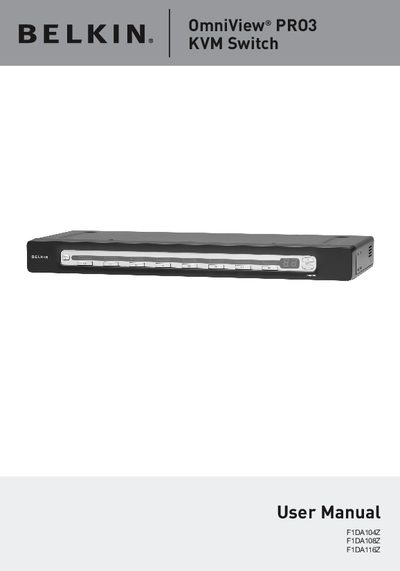
The OmniView PRO3 KVM Switch is a rack‑mountable KVM solution that lets you control up to 256 PS/2 or USB servers from a single console. It features hot‑key selection, AutoScan, on‑screen display, and a 7‑segment LED for bank indication, with optional daisy‑chaining of up to 16 switches.
The manual covers package contents, equipment and system requirements, step‑by‑step installation, wiring, firmware upgrades, and troubleshooting. It also includes hot‑key shortcuts, OS compatibility details, and a glossary of terms.
| Video Resolution | 1920x1440@75 Hz |
|---|---|
| Daisy‑Chain Capacity | Up to 16 KVM switches |
It supports video resolutions up to 1920 × 1440 at 75 Hz.