
CUPC-P200 series user manual introduces CUPC-P200 and CUPC-P220's hardware specification, external parts, dimensions, panel cutout, bracket installation, input/output connectors, system restoration and other contents.
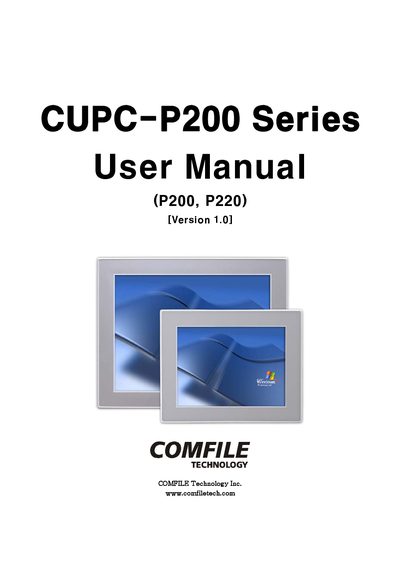
This manual covers the hardware specifications of the CUPC-P200 series, including CPU, chipset, memory, graphics, storage, and power details. It also lists the external parts, dimensions, panel cutout requirements, and bracket installation procedures.
Additional sections describe the input/output connectors (VGA, RS232C, power, USB, LAN) and the system restoration process using WinClon, including backup creation and restoration steps.
| CPU | Intel ATOM N270 1.6GHz |
|---|---|
| Chipset | Intel 945GSE + ICH7M |
| Memory | 2GB SODIMM DDR2 SDRAM |
| Graphics | Intel 945GSE Embedded Graphics |
| Display | VGA CRT output, 15" or 10.4" LCD, 16.7M/262K colors, XGA 1024x768 |
| Ethernet | VIA VT6130 Gigabit Ethernet (2 ports) |
| Audio | VIA High Definition Audio, Audio Out (1 Port), MIC In (1 Port) |
| USB Ports | 4 USB 2.0 ports |
| HDD Interface | SATA |
| Serial Ports | 2 RS232C ports (COM1, COM2) |
| Input Power | DC +12V |
| Power Consumption | <32W (2.6A@12V) for P200, <28W (2.3A@12V) for P220 |
| Dimensions (P200) | 376 mm (H) × 300 mm (V) × 60 mm (D) |
| Weight (P200) | 5.1 kg |
| Operating Temperature | 0 °C ~ 60 °C |
The CUPC-P200 series uses an Intel ATOM N270 processor running at 1.6 GHz.
The system provides four USB 2.0 ports.
The P200 consumes less than 32 W (2.6 A @12 V) and the P220 consumes less than 28 W (2.3 A @12 V).
Use the WinClon SDCARD backup process; after the backup finishes, WinClon displays the new image file and you can restore the system.