
Motorola WT4070/90 Wearable Terminal User Guide

This document is the user guide for WT4070/90 wearable terminal
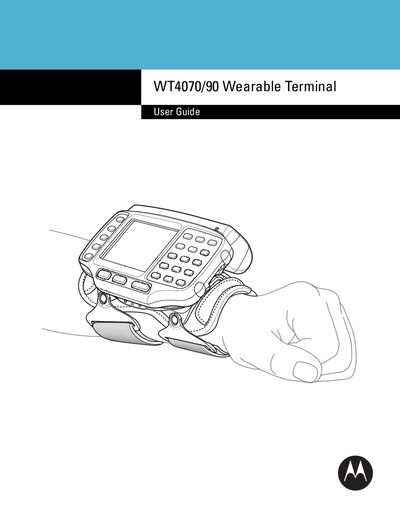

Motorola WT4070/90 Wearable Terminal User Guide - cover page
Brand
WT4070/90
Category
Other device
Document type
User Manual
Language
English
Pages
88
File format
PDF
File size
4.6 MB
Published
09 May, 2012
Updated
30 September, 2023
MD5 checksum
EE37003179C03B1B1BA975C1D6E42102

About this manual

This guide explains how to unpack, install, and start using the Motorola WT4070/90 Wearable Terminal. It covers battery installation, charging procedures, keypad navigation, and scanning functions.

Additional chapters describe optional accessories, such as USB and Ethernet cradles, and provide maintenance and troubleshooting steps, including cold boot and warm boot procedures.

What's inside

  • About This Guide
  • Getting Started
  • Unpacking the Wearable Terminal
  • Battery Installation and Charging
  • Keypad Navigation
  • Scanning Bar Codes
  • Accessories
  • Maintenance & Troubleshooting

Specifications

Flash Memory128 MB

Frequently asked questions

How do I charge the main battery?

Connect the charger to the main battery and follow the charging procedure described in the guide.

How can I perform a cold boot of the terminal?

Select the cold boot option as outlined in the Maintenance & Troubleshooting chapter.

Download PDF (4.6 MB)