
This document is the user manual for the NETGEAR WNDR3700 Dual Band Wireless-N Gigabit Router, providing information on the features and characteristics of the product.
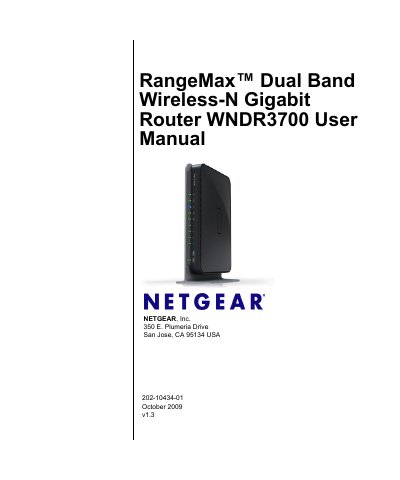
This manual provides step‑by‑step instructions for installing and configuring the NETGEAR WNDR3700 Dual Band Wireless‑N Gigabit Router. It includes guidance on connecting to the Internet, using the Setup Wizard, and customizing wireless settings such as SSID, security modes, and WPS.
The document also covers network management tools, firmware upgrades, USB storage configuration, and detailed default configuration specifications. Regulatory compliance information for FCC, IC, and EU markets is included, along with troubleshooting tips and FAQs for common tasks.
| Router login URL | http://www.routerlogin.net or http://www.routerlogin.com |
|---|---|
| Default user name | admin |
| Default password | password |
| LAN IP address | 192.168.1.1 |
| Subnet mask | 255.255.255.0 |
| DHCP address range | 192.168.1.2‑192.168.1.254 |
| Default SSID (2.4 GHz) | NETGEAR |
| Maximum wireless speed (2.4 GHz) | Up to 130 Mbps |
| MTU size | 1500 |
Press and hold the restore factory settings button on the bottom of the router for over 5 seconds until the Power light blinks amber, then release the button.
The default SSID for the 2.4 GHz band is NETGEAR.
Open a web browser and go to http://www.routerlogin.net or http://www.routerlogin.com.