
This is a user manual for a Nikon digital camera, which introduces the camera's basic functions, usage methods and precautions.
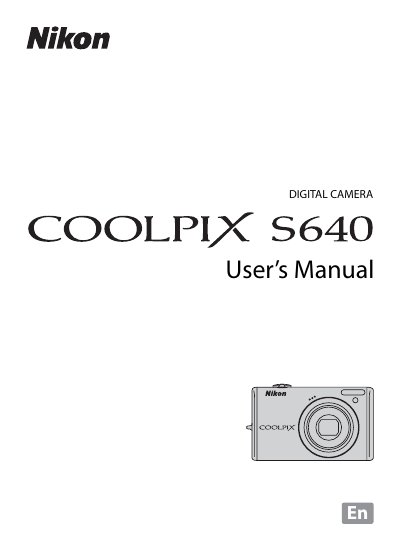
This manual covers safety precautions, battery handling, and step‑by‑step instructions for basic photography, playback, and advanced shooting modes such as Smart Portrait and Subject Tracking. It also explains menu navigation, language settings, and connectivity options for TV, computer, and printer.
Technical specifications are listed, including sensor size, lens zoom, ISO range, shutter speeds, and battery details. An index and troubleshooting notes help users quickly find information about specific features or issues.
| Effective pixels | 12.2 million |
|---|---|
| Image sensor | 1/2.33‑in. CCD |
| Lens | 5× optical zoom, NIKKOR |
| Focal length | 5.0‑25.0 mm (28‑140 mm equiv.) |
| Aperture range | f/2.7‑6.6 |
| ISO sensitivity | ISO 100‑6400 |
| Shutter speed | 1/1500 s‑8 s |
| Battery | Rechargeable Li‑ion EN‑EL12 |
| Dimensions (W×H×D) | 91 × 55 × 20.5 mm |
| Weight | ≈110 g (without battery) |
Turn the camera off, unplug any AC adapter, and use only the supplied EN‑EL12 rechargeable Li‑ion battery. Insert the battery correctly and avoid shorting or exposing it to water or heat.
The camera supports Secure Digital (SD) memory cards for storage.
The highest ISO setting is ISO 6400.