
This is a user manual, which introduces the use of Nikon D3300 camera, including preparation for shooting, basic photography and playback, selecting scene mode, one-touch portrait mode, more on playback, connecting to televisions, computers and printers, shooting, playback and setup menus, technical notes, recording and viewing movies.
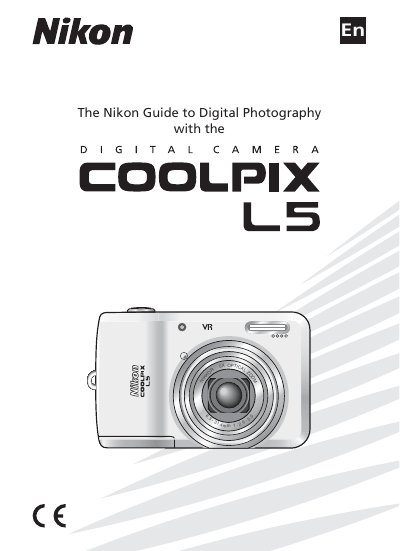
This manual introduces the Nikon COOLPIX L5, covering safety precautions, battery handling, and basic camera operation such as shooting modes, playback, and connecting to external devices. Detailed sections explain menu navigation, scene selection, flash use, and video recording.
Technical notes and specifications are listed toward the end, including sensor details, lens characteristics, storage options, and power requirements, helping users understand the camera’s capabilities and maintenance needs. This manual is written in Chinese.
| Effective pixels | 7.2 million CCD |
|---|---|
| Zoom | 5× optical zoom |
| Focal length | 6.3–31.4 mm (35 mm equivalent 38–190 mm) |
| Maximum aperture | f/2.9–f/5.0 |
| Monitor | 2.5‑in., 115,000‑dot TFT LCD |
| Storage media | Secure Digital (SD) memory cards |
| Shutter speed | 4–1/2000 s |
| ISO sensitivity | ISO 80 (auto gain to ISO 400 equivalent) |
| Dimensions | 97 × 61 × 45 mm |
| Weight | 170 g (6.0 oz.) |
The camera is powered by two AA alkaline, oxyride, or lithium batteries, or two EN‑MH1 rechargeable NiMH batteries.
The camera provides a 5× optical zoom with its Nikkor lens.
The manual includes a section titled “Connecting to Televisions, Computers, and Printers” that explains the TV connection procedure.
Use the “Setting Display Language, Date, and Time” menu to select the desired language.