
The D-Link DSL-2740U User Manual provides an overview of the product, including features and characteristics such as hardware overview, connections, LED indicators, installation, and configuration.
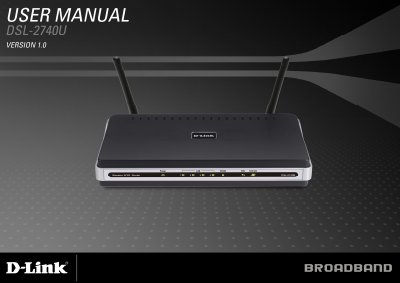
The DSL-2760U is a wireless ADSL2+ router with up to 24 Mbps downstream, 802.11n wireless support (up to 270 Mbps), four Ethernet ports, and built‑in firewall and QoS features. The manual describes the hardware layout, LEDs, ports, and the included accessories such as antennas, power adapter, and installation guide.
Installation steps cover placement, power connection, ADSL line hookup, and initial web‑based configuration. Subsequent sections detail wireless settings, LAN configuration, parental controls, advanced routing, SNMP, firmware updates, and troubleshooting. Technical specifications and contact information for D‑Link support are provided at the end.
| ADSL Standards | ANSI T1.413 Issue 2, ITU G.992.1 (G.dmt), ITU G.992.2 (G.lite), ITU G.994.1 (G.hs), ITU G.992.5 |
|---|---|
| Downstream Data Rate (G.dmt) | up to 8 Mbps |
| Maximum Wireless Speed | up to 270 Mbps (802.11n draft) |
| LAN Interface | RJ‑45 port for 10/100BASE‑T Ethernet |
| ADSL Media Interface | RJ‑11 connector for telephone line |
It supports ANSI T1.413 Issue 2 and several ITU standards including G.992.1 (G.dmt), G.992.2 (G.lite), G.994.1 (G.hs), and G.992.5.
Press and hold the reset button for ten to fifteen seconds while the router is powered on.