
Introduces the functions and features of DIR-120 Ethernet Broadband Router, including installation, connection and configuration methods
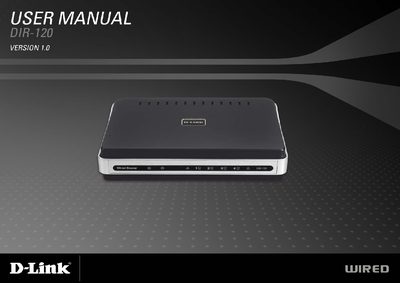
This guide provides step‑by‑step instructions for installing the DIR‑120 router, connecting it to a broadband modem, and configuring basic network settings such as IP address, DHCP and wireless options. It also covers the required hardware, power adapter, Ethernet cable and optional USB printer sharing.
Advanced sections describe firewall, port forwarding, VPN pass‑through, DMZ host, QoS engine, dynamic DNS and other features that let you secure and optimize your home or small‑office network.
| Default LAN IP address | 192.168.0.1 |
|---|---|
| Default subnet mask | 255.255.255.0 |
| DHCP IP address range | 192.168.0.100‑192.168.0.199 |
| USB port type | USB 1.1 (printer sharing) |
| VPN support | IPsec and PPTP pass‑through |
| DMZ host support | Enabled |
Yes, the router’s USB 1.1 port can be used for printer sharing with printers that support the LPR protocol.
It supports IPsec and PPTP pass‑through for VPN connections.