
This document is a user guide for the Linksys One IP Phone Models PHM1200 and PHB1100. It provides information on basic call handling options, advanced call handling options, and screen features of the phone.
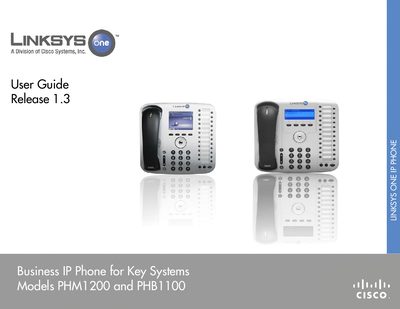
This guide introduces the Linksys One IP Phone for key systems, covering initial setup, phone buttons, screen navigation, and basic call handling such as placing, answering, holding, and transferring calls. It also explains advanced features like call park, voicemail, and shared lines.
Later chapters describe customization options, including portal login, password changes, voicemail-to-email forwarding, auto‑dials, and the Auto Attendant. Appendices provide contact information and references to additional documentation such as quick installation guides and reference cards.
Use the Auto Attendant menu and select the option to record the greeting.
Adjust the ring settings through the Handset, Headset and Speakerphone menu.
Each phone includes a Quick Installation Guide, referenced in the documentation section.