
This document is a user manual for the Nikon digital camera. It introduces the basic use of the camera and shooting techniques.
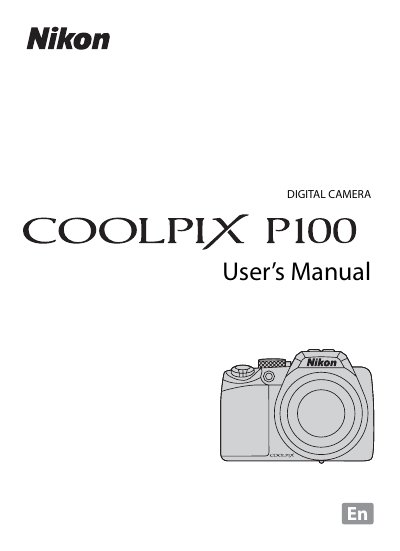
This manual introduces the COOLPIX P100, covering safety precautions, battery handling, and basic camera components. It guides users through initial setup, menu navigation, and essential functions such as shooting modes, focus, flash, and playback.
Further sections detail advanced features like ISO settings, exposure control, optical zoom, vibration reduction, and connectivity options (USB, HDMI). Technical specifications, troubleshooting tips, and an index are provided for quick reference.
| Effective Pixels | 10.3 million |
|---|---|
| Image Sensor | 1/2.3‑in. CMOS |
| Lens | 26× optical zoom, 4.6‑120 mm (35 mm equivalent 26‑678 mm) |
| ISO Sensitivity | ISO 160‑3200 (auto) |
| Battery | Rechargeable Li‑ion Battery EN‑EL5 (1100 mAh) |
| Charging Time | Approx. 3 h 30 min with AC Adapter EH‑68P |
| Dimensions (W×H×D) | 114.4 × 82.7 × 98.6 mm |
| Weight | Approx. 481 g (with battery and SD card) |
It uses a rechargeable Li‑ion Battery EN‑EL5 supplied with the camera.
Charging takes about 3 hours 30 minutes when using the supplied AC Adapter EH‑68P.
The camera provides a 26× optical zoom with a focal length of 4.6‑120 mm (equivalent to 26‑678 mm in 35 mm format).
ISO can be set manually from 160 to 3200, with auto ranges covering 160‑800, 160‑1600, and higher in sport mode.