
TPX 88 Series matrix switcher quick start instructions
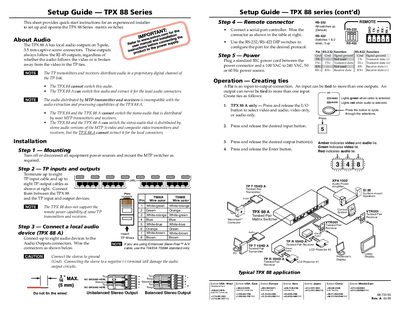
This Setup Guide provides concise, step‑by‑step instructions for experienced installers to mount, wire, and configure the TPX 88 Series matrix switcher. It outlines the required hardware connections, audio output options, remote RS‑232/RS‑422 interface, and power requirements.
Key installation steps include mounting the unit, terminating up to eight TP input and eight TP output cables, connecting local audio devices, configuring the RS‑232/RS‑422 DIP switches, and wiring the power supply. The guide also explains how to create video/audio ties using the front‑panel buttons and indicator LEDs.
| Cable standard for TP connections | TIA/EIA T568A |
|---|
Up to eight audio devices can be connected to the local audio connectors on the TPX 88 A.
Use twisted‑pair cable that conforms to the TIA/EIA T568A standard.
Press and release the I/O button to choose video‑only, audio‑only, or both; LEDs indicate the current selection.