
This document is a user guide for the Linksys SPA922 IP Phone, describing its features and functionality, as well as instructions on how to use different features.
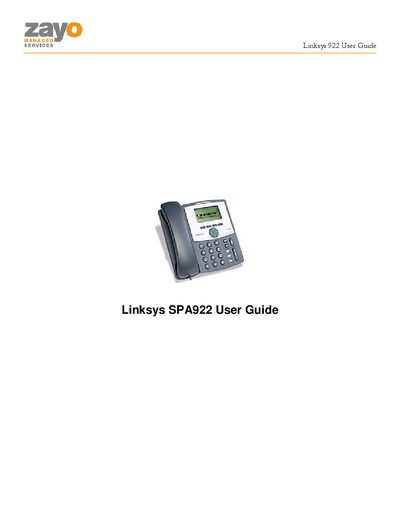
This guide explains how to use the Linksys SPA922 IP phone with Zayo Managed Services. It covers basic phone operation, the SPA900 series LCD controls, and how to access the Zayo Web Portal for advanced call management.
The document also describes each telephony feature—such as call forwarding, call park, speed dial, and voicemail—providing step‑by‑step instructions and the corresponding feature codes. The Telephony Toolbar for Outlook/IE/Firefox is covered as an alternative way to manage these features.
Press the CFWD soft key, enter the forwarding number, and wait for the stutter tone confirming the number is programmed.
Go off hook, press *75, hear a stuttered dial tone, then enter the two‑digit code (00‑99) followed by the destination number and press #.
Go off hook, press *88, and follow the IVR instructions to retrieve the call that was placed on hold.
Press the MESSAGES button, then enter your password at the voice prompt and follow the IVR menu.