
This document provides instructions for setting up the Tenda W268R Wi-Fi router, including basic setup and Wi-Fi settings.
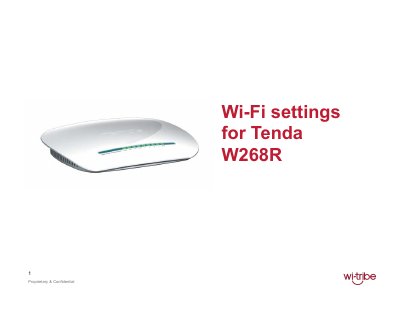
This guide explains how to connect the Tenda W268R router, configure its LAN and wireless settings, and secure the network. It covers the basic setup, accessing the web interface, and applying Wi‑Fi parameters.
Follow the listed steps to power the router, connect a LAN cable, log in to the default address, set the SSID, choose a security mode, and create a network key. After applying the changes, you can disconnect the cable and connect your devices to the new wireless network.
| Default IP address | 192.168.0.1 |
|---|---|
| Default username | admin |
| Default password | admin |
| Security mode | Mixed WPA/WPA2‑personal |