
This article introduces the aperture, depth of field and field of view of the 0-360 attachment lens.
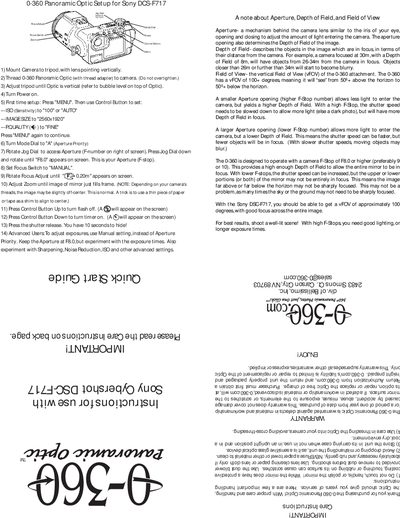
This guide explains how to mount and configure the 0‑360 Panoramic Optic accessory for the Sony DSC‑F717 digital camera. The attachment provides a vertical field of view of over 100 degrees, allowing full‑circle panoramic shots.
The procedure covers mounting the camera on a tripod, attaching the optic, powering the unit, and setting the camera (ISO, image size, quality, aperture priority, focus, and zoom). Advanced users can switch to manual exposure and adjust additional settings such as sharpening and noise reduction.
| Vertical Field of View | 100+ degrees |
|---|---|
| Recommended Aperture | F8.0 or higher |
| Image Size | 2560x1920 |
| ISO Setting | 100 or AUTO |
Turn the Mode Dial to "A" (Aperture Priority).
Press the Control Button Up to turn the flash off.
Use an aperture of F8.0 or higher for proper focus across the mirror.