
This manual describes the installation and use of the Adder X100 receiver, including connection methods, basic use, hot plugging and mouse restoration.
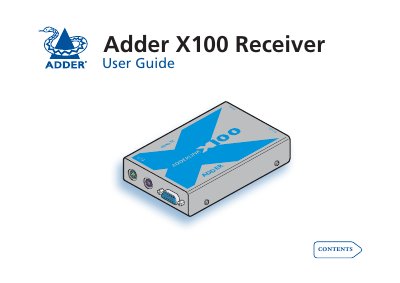
This guide explains how to install the Adder X100 receiver, connect it to the local device via Category 5/5e/6 cable, and attach peripherals such as keyboard, mouse, video monitor and optional speakers. It includes cable‑length recommendations, power‑adapter setup, and safety precautions for reliable operation.
The manual also covers special configuration features like hot‑keys, password protection, video compensation, and skew adjustment (X100AS). Troubleshooting tips, warranty information, and contact details for Adder support are provided at the end of the document.
The receiver supports Category 5, Category 5e, and Category 6 twisted‑pair cabling for the link between the local device and the remote module.