
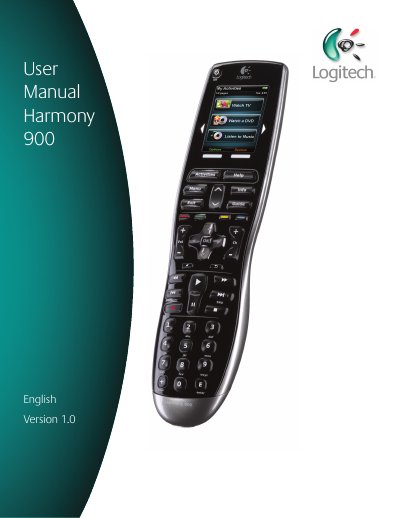
The Harmony 900 is an activity‑based universal remote that can control up to 15 devices using Smart State Technology®. The remote’s touch screen, customizable buttons, and RF system let you switch between TV, DVD, music, and more with a single press. It works with over 200,000 devices and includes a rechargeable lithium‑ion battery and a backlit keypad.
The guided online setup walks you through creating a Logitech account, connecting the remote, adding device model numbers, creating Activities, updating firmware, and testing the RF system. The manual also explains button functions, RF Blaster operation, and provides troubleshooting tips such as using the on‑remote Help feature.
| LCD Size | 2.2" Diagonal |
|---|---|
| LCD Resolution | 340 x 240 (QVGA+) |
| Touch Screen Technology | Capacitive |
| Power Source | Rechargeable Lithium Ion |
| Supported Devices | 5,000+ brands, 200,000+ devices |
| Maximum devices per account | 15 |
| Backlit keypad | Yes |
| Backlight color | White or Amber |
| IR Learning | Yes (up to 500 kHz) |
| IR Transmission Range | Up to 65 ft |
| Memory | 64 MB Flash |
| Weight | 6 oz (with battery installed) |
| Dimensions | 8.75" x 2.3" x 1.3" |
The Harmony 900 can control up to 15 devices per account.