
This manual introduces the features of Vibe 500, how to use the device, how to connect to a computer, how to synchronize music and data, how to play music and videos, how to manage files, etc.
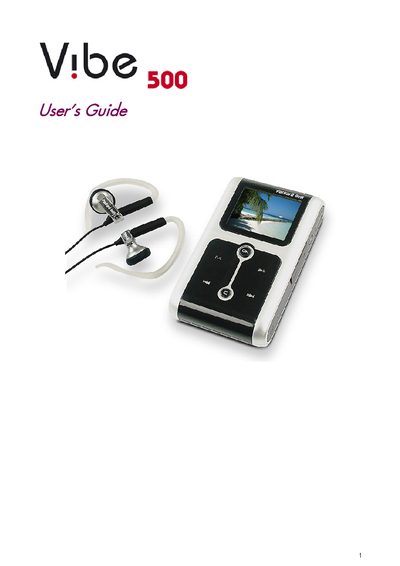
This guide introduces the Packard Bell Vibe 500 portable media player, highlighting its 1.8‑inch LCD color screen, 20/30 GB storage, and support for MP3, WMA, WAV, MOV, AVI, JPG and other formats. It explains basic functions such as powering on, charging the battery, navigating menus with the scroll bar, and connecting the player to a computer via USB.
Detailed sections cover music synchronization, playlist management, picture and video playback, safety precautions, and firmware upgrades. Appendices list technical specifications and camera compatibility, helping users get the most out of their device.
| Screen size | 1.8‑inch LCD color screen |
|---|---|
| Storage capacity | 20/30 GB |
| Audio formats | MP3, WMA (with/without DRM), WAV |
| Video formats | MOV, AVI Motion JPEG (M‑JPEG) |
| Picture formats | JPG, JPEG, bitmap |
| Charging time (AC adapter) | ≈2.5 hours (power‑off mode) |
| Charging time (USB) | ≈13 hours (power‑off mode) |
Press the Power button to turn the player on or off.
Connect the player to the AC adapter for about 2.5 hours, or connect it to a computer via USB for about 13 hours while the player is powered off.
Insert a straightened paper clip into the Reset switch on the right side of the player to restart it.