
This document is the user manual for the 6GXU motherboard, which includes features such as support for dual BIOS, power on by mouse or keyboard, modem ring-on, wake-up on LAN, and CPU over voltage protection.
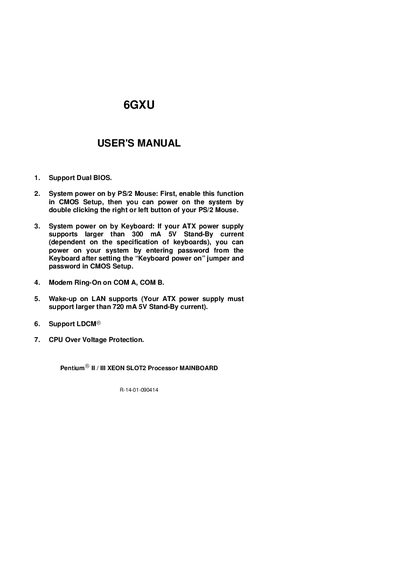
This manual covers quick installation procedures for the Gigabyte 6GXU motherboard, including CPU speed setup, jumper settings, and power‑on options such as PS/2 mouse and keyboard activation. It also lists supported processors (Pentium II / Xeon Slot2) and required power‑supply standby currents for features like Wake‑on‑LAN.
The document explains the DualBIOS™ technology, describing automatic and manual BIOS recovery, protection against BIOS‑type viruses, and how users can manage BIOS versions. Frequently asked questions about DualBIOS operation and power‑on functions are answered.
| Supported CPUs | Pentium II / Xeon Slot2 processors |
|---|---|
| CPU speed range | 400 – 650 MHz |
| System bus speed | 100 MHz |
| Keyboard power‑on standby current | ≥ 300 mA 5V |
| Wake‑on‑LAN standby current | ≥ 720 mA 5V |
| Dual BIOS support | Yes |
| CPU Over‑Voltage Protection | Supported (LDCM®) |
DualBIOS™ provides protection during boot, automatic and manual BIOS recovery, a one‑way flash utility, and ensures the correct BIOS is used if the main BIOS is corrupted.
The ATX power supply must support at least 720 mA of 5 V standby current for Wake‑on‑LAN.
Enable the function in CMOS Setup, then double‑click the right or left button of the PS/2 mouse to power on the system.