
This manual provides detailed information on using the Canon CP-A220N/CP-A300N projector.
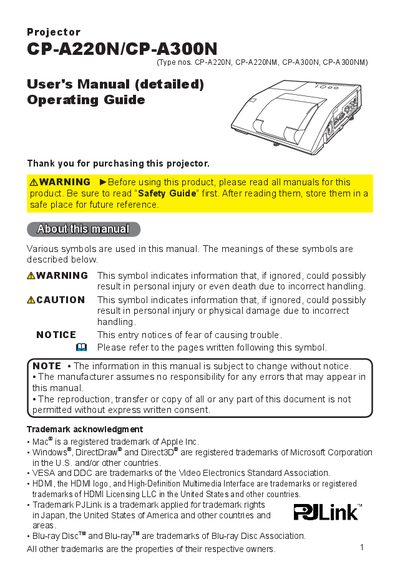
This manual provides step‑by‑step instructions for installing, configuring, and using the CP‑A220N/CP‑A300N projector. It includes safety warnings, hardware overview, remote‑control functions, menu navigation, and recommended screen and mounting guidelines.
The document also covers routine maintenance such as lamp replacement, air‑filter cleaning, battery replacement, and troubleshooting common issues like network connectivity and power‑indicator behavior.
The lamp can be replaced by following the instructions in the Maintenance section on page 89.
Cleaning and replacing the air filter are described on page 91 of the manual.
The internal clock battery replacement procedure is provided on page 93.