
This manual introduces the use of Sprint PCS Vision SMPhone VI-2300, including setting up service, basic phone knowledge, Sprint PCS service features and safety protection.
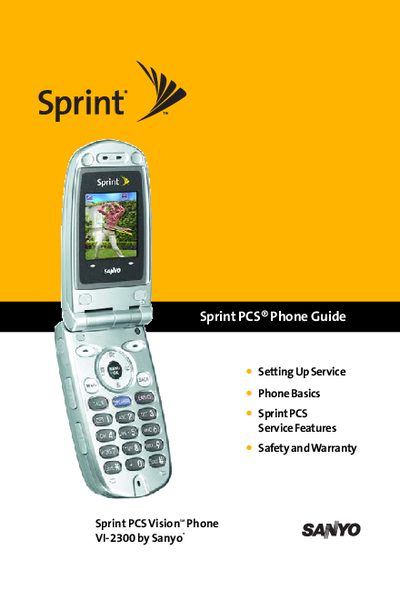
This manual guides you through the initial setup of the Sprint PCS Vision phone, including service activation, voicemail configuration, and basic phone functions. It covers hardware basics, display navigation, and essential settings such as sound, display, location, and airplane mode.
Further sections detail advanced features like contacts management, messaging, voice command, Ready Link services, and security options. The guide also includes troubleshooting steps, resetting procedures, and FAQs to help you maintain and use the VI-2300 effectively.
| Model | VI-2300 |
|---|
Refer to the "Setting Up Your Voicemail" section of the manual for step‑by‑step instructions.
Airplane Mode is described in the Settings chapter; select Airplane Mode to turn off all wireless radios.
The "Resetting Your Phone" section explains how to perform a full reset of the device.
Ready Link is covered in its own section, detailing how to start, make calls, and manage contacts using the service.