
This document describes how to program the Moxi remote control, including code programming and search programming.
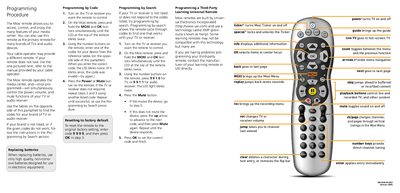
The Moxi remote lets you control your media center, TV, and audio receiver. It can be programmed with specific device codes or by searching for the correct code, and it also supports third‑party learning remotes.
The manual covers programming by code, programming by search, battery replacement, factory reset, and a list of TV and receiver codes for many brands.
| Battery type | High‑quality non‑corrosive batteries |
|---|
Turn on the device, press and hold MOXI and OK until the LED blinks twice, then enter the code from the table; the LED will blink twice if the code is correct.
Enter the code 999 and press OK in step 3 to restore the original factory settings.
Use the Programming by Search procedure, which cycles through codes until the device responds.