
The document describes a device that complies with Part 15 of the FCC Rules. The device has the ability to not cause interference and accept any interference. The document also provides operation and function guidance.
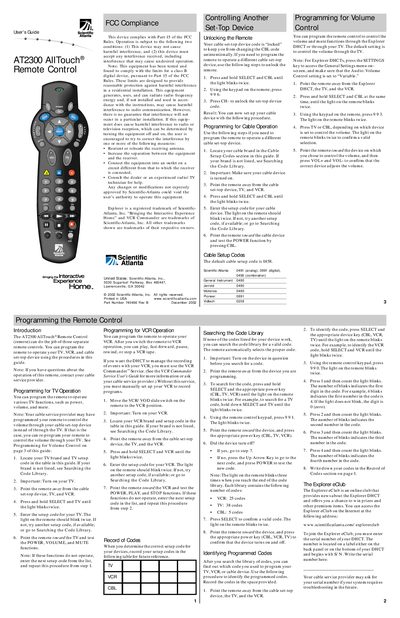
The AT2300 AllTouch® Remote Control can replace three separate remotes, allowing you to program TV, VCR, and cable set‑top devices. The guide walks you through locating device codes, entering them, and testing functions such as power, volume, and mute. It also includes a code library search feature for devices not listed in the tables.
Additional sections cover FCC compliance, unlocking the remote for a different cable device, volume control settings, battery replacement, and a quick reference sheet. The manual also mentions the Explorer eClub for online support and provides default setup codes for cable devices.
| Battery type | Two AA alkaline batteries |
|---|---|
| Default cable setup code | 0458 |
| Part number | 745466 Rev B |
Try reorienting or relocating the receiving antenna, increase separation between the remote and the receiver, use a different outlet circuit, or consult a radio/TV technician.