
This manual introduces the basic functions and operating methods of the CP-X505/CP-X605 projectors.
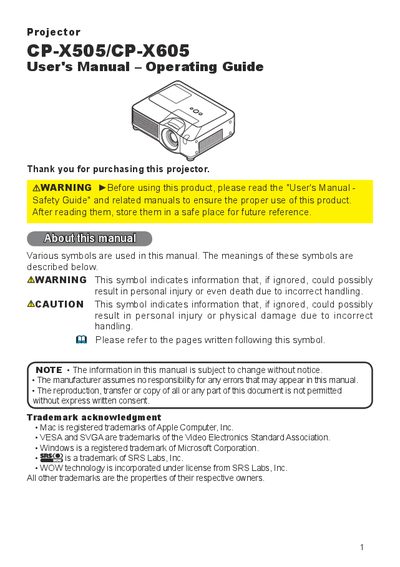
This manual covers all aspects of using the CP‑X505/CP‑X605 liquid crystal projector, including safety warnings, package contents, and detailed descriptions of the control panel, remote control, and network functions. It guides users through installation, lens adjustment, input selection, and menu navigation.
Additional sections address routine maintenance such as lamp replacement, air‑filter cleaning, and battery checks, as well as troubleshooting, warranty information, and full technical specifications for the projector.
| Product name | Liquid crystal projector |
|---|---|
| Panel size | 2.0 cm (0.79 type) |
| Resolution | 1024 × 768 (786,432 pixels) |
| Lens zoom | F=1.7 ~ 2.1, f=24 ~ 29 mm |
| Lamp | 285 W UHB |
| Speakers | 4 × AW |
| Power supply | AC 100‑120 V/5.0 A, AC 220‑240 V/2.1 A |
| Power consumption | 60 W |
| Operating temperature | 5 ~ 35 °C |
| Dimensions (W × H × D) | 418 mm × 139 mm × 319 mm |
| Weight | 7.1 kg |
Do not touch around the lamp cover and exhaust vents during use or just after use, as they may be hot, and avoid looking directly at the lamp.