
This file is AVRISP mkII user manual, which introduces the use of AVRISP mkII
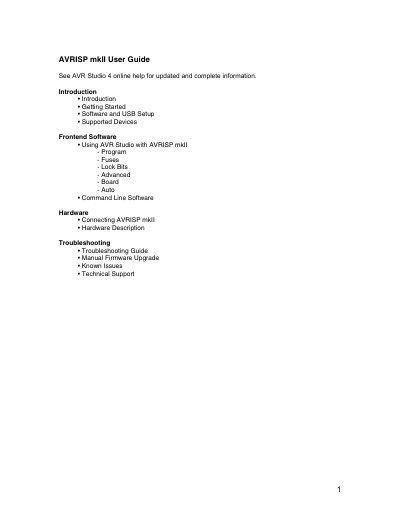
The AVRISP mkII is a USB programmer that works with AVR Studio to program all AVR 8‑bit RISC microcontrollers via the ISP interface. This manual explains how to install the required software, connect the hardware, and use both the graphical and command‑line tools.
Key sections cover getting started, USB driver installation, supported devices, frontend and command‑line software usage, hardware description, and troubleshooting, including firmware upgrades and known issues.
| Supported target voltage | 1.8 V to 5.5 V |
|---|---|
| Programming speed | 50 Hz to 8 MHz SCK |
| USB interface | USB 2.0 full‑speed (12 Mbps) |
| Power source | Powered from USB, no external supply |
| USB power requirement | 200 mA self‑powered port |
During AVR Studio installation, check the “Install/Upgrade USB Driver” box, or later install it via Control Panel → Add or Remove Programs → AVRStudio4 → Change → Modify → Install/upgrade USB Driver.