
This document is the user manual for loxtrax, a smart GPS application for PDAs. The manual provides instructions on installation and usage, including getting started, creating trips, and using maps and tracks.
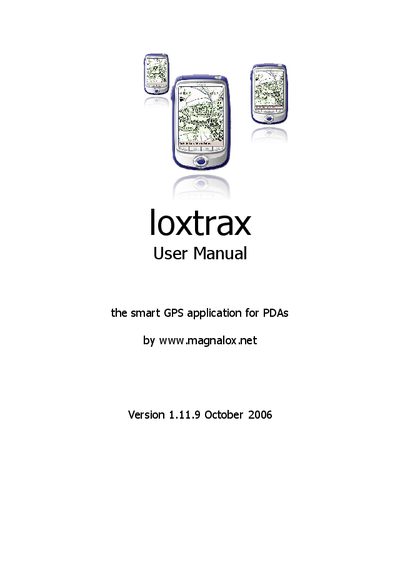
The Loxtrax manual provides step‑by‑step instructions for installing, configuring, and using the GPS software on Windows Mobile devices. It covers installation via a PC with ActiveSync, direct PDA installation, and detailed menu navigation.
Additional sections describe settings such as COM ports, baud rates, map handling, POI management, screen orientation, and troubleshooting features like beta updates and self‑tests.
| Software version | 1.11.9 |
|---|---|
| Supported operating system | Windows Mobile 2003 or later |
| Supported display resolution | 640 × 480 VGA |
| COM ports supported | COM1 – COM8 |
| Baud rate configuration | Configurable (see Settings) |
Loxtrax runs on devices with Windows Mobile 2003 or later.
The application can change orientation on the fly while operating on VGA displays.
Loxtrax supports COM1 through COM8 for GPS interface.
The manual provides a section for installation directly on the PDA without a PC.