
This document describes the specifications and features of the TP-LINK TL-WR841N TL-WR841ND 300Mbps Wireless N Router.
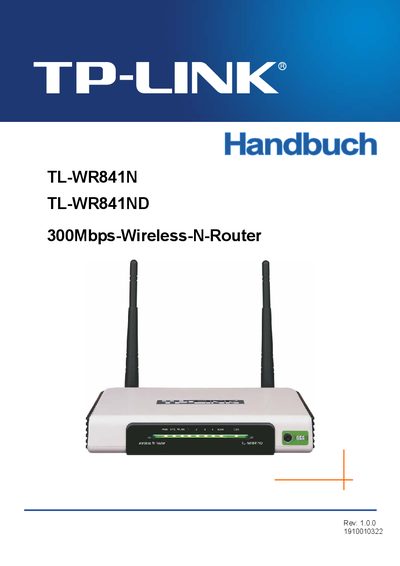
This manual provides an overview of the TL‑WR841N/TL‑WR841ND 300 Mbps Wireless‑N router, including product specifications, regulatory compliance, and safety warnings. It lists the contents of the packaging and describes the hardware components such as the AC/DC adapter.
The guide walks you through hardware installation, quick‑start setup, detailed router configuration, wireless security settings, DHCP options, and system tools. A glossary of networking terms and a FAQ section help resolve common questions about SSID configuration, interference mitigation, and supported wireless standards. This manual is written in German.
| Maximum wireless speed | 300 Mbps |
|---|
The TL‑WR841N/TL‑WR841ND supports up to 300 Mbps wireless throughput.
Log in to the router, go to the WLAN settings, and edit the SSID field.