
TL-PS310U is a single USB 2.0 port MFP and storage server from TP-LINK.
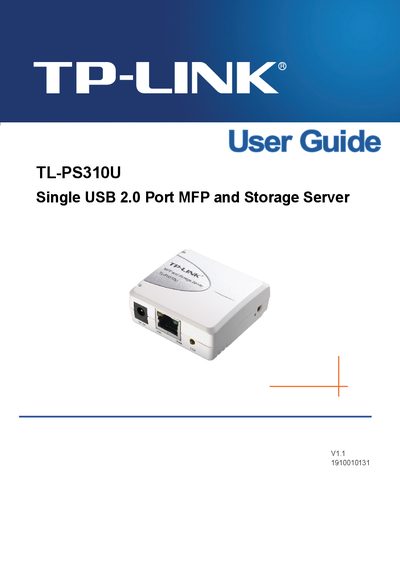
The TL-PS310U combines a USB 2.0 port with a fast Ethernet interface, allowing USB printers, multifunction devices, and storage devices to be shared over a network. The guide explains the product’s components, LEDs, and required accessories before installation.
Hardware installation covers connecting the USB device, Ethernet cable, and power adapter, while the software installation walks through the setup CD for Windows 2000/XP/Vista. It also describes the web management interface, IP configuration, and troubleshooting steps such as FAQ and network diagnostics.
| USB ports | 1 USB 2.0 port (High‑speed) |
|---|---|
| Network port | Fast Ethernet RJ‑45 for 10Base‑T or 100Base‑TX |
| Link LED | Indicates network connection |
| 100M LED | Indicates 100M connection |
| USB LED | Indicates USB status |
| Power adapter | One power adapter included |
| Setup CD | One CD for Windows 2000/XP/Vista |
Connect the USB cable from your device to the USB port of the MFP and Storage Server and ensure both are powered on; the device will appear as a green icon in the utility.
Open the TCP/IPv4 properties, select “Use the following IP address”, and enter the desired IP address, subnet mask, and default gateway.
Open a standard web browser and enter the TL‑PS310U’s IP address; the built‑in web server provides remote management functions.