
This file is the Motorola DRC450 universal remote control user manual, which introduces the use of this remote control and its functions
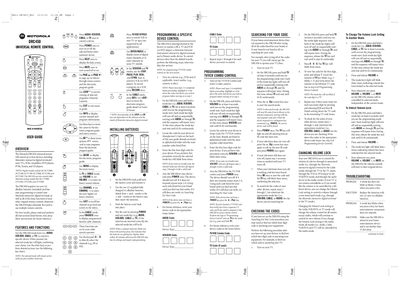
The DRC450 universal remote can control up to four home‑entertainment devices, including Motorola interactive digital terminals, TVs, VCR/DVD players, amplifiers, DVD players, PVRs, tuners and CD players. It uses four mode keys (AUDIO, VCR/DVD, CABLE, TV) and a full set of standard remote functions.
The guide covers battery installation, step‑by‑step programming of individual devices or TV/VCR combos, how to search for unknown codes, how to change the volume‑lock setting, and a troubleshooting section that addresses common issues such as unresponsive keys or low‑battery warnings.
| Power source | 2 AA alkaline batteries (included) |
|---|---|
| Devices controllable | Up to four devices |
| Mode keys | AUDIO, VCR/DVD, CABLE, TV |
Make sure the remote is aimed directly at the device and is within about 15 feet; otherwise the infrared signal may not reach the target.