
This remote control can be used for Scientific-Atlanta's VCR, TV, VOD, etc.
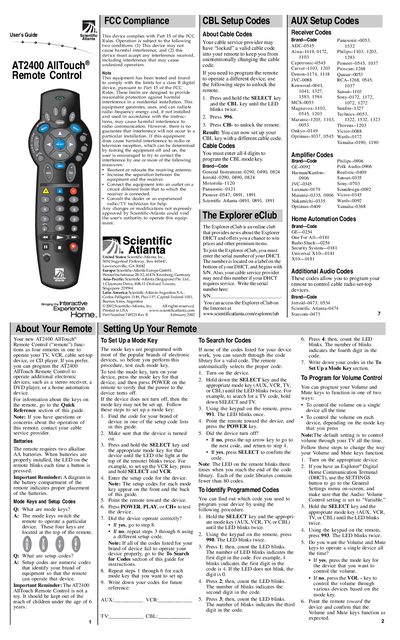
The AT2400 AllTouch® Remote Control functions as four remotes in one, allowing you to operate a TV, VCR, cable set‑top box, CD player or other devices such as a stereo receiver or DVD player. The guide provides quick reference for key functions, battery installation, and programming instructions.
It also includes FCC compliance information, a complete list of setup codes for many brands, and step‑by‑step procedures for programming mode keys, cable codes and volume control. The remote requires two AA alkaline batteries and features an LED that blinks to confirm button presses.
| Battery type | Two alkaline AA batteries |
|---|---|
| LED indicator | LED blinks each time a button is pressed |
| FCC classification | Class B digital device |
| Part number | 749221 Rev B (February 2002) |
Mode keys switch the remote to operate a particular device.
Setup codes are numeric codes that identify your brand of equipment so the remote can operate that device.
The remote requires two alkaline AA batteries.
Press and hold SELECT and the desired mode key until the LED blinks twice, then enter the four‑digit setup code for that device.