
This manual provides information about the security data, user manual, assembly instructions, operating modes, user configuration, and opening procedures for the wirelessKey Basic module.
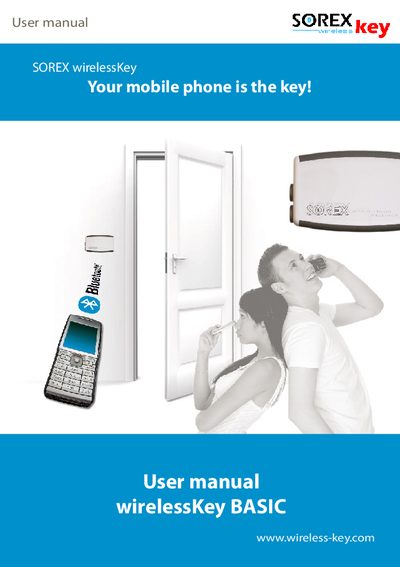
The wirelessKey Basic is a Bluetooth‑based access solution that lets any Bluetooth‑capable mobile phone act as a key for doors, gates, and garage openings. This manual explains how to install the module, connect it to the electro‑mechanical locking system, and configure mobile phones as keys.
Key sections cover safety precautions, mounting guidelines, wiring, operating modes, user configuration, addition and removal of phones, PC software setup, technical specifications, warranty information, and support contacts.
| Voltage supply | 6‑24 V DC |
|---|---|
| Maximum voltage with adaptor | 230 V AC (via enclosed adaptor) |
| Bluetooth range | up to 100 m (328 ft) |
| Encryption | 128 Bit |
The Pairing‑PIN is used to authorize new mobile phones as keys by pressing the multifunction button during the pairing process.
The module is powered by a 6‑24 V DC supply; if a 230 V AC source is required, the supplied adaptor must be used.
The module remains in configuration mode for 3 minutes after the button is pressed; if the time expires, the process must be restarted.