
This document is about the user guide of ASTRO ® XTS TM 2500 digital portable radio, which introduces the function and usage of the radio.
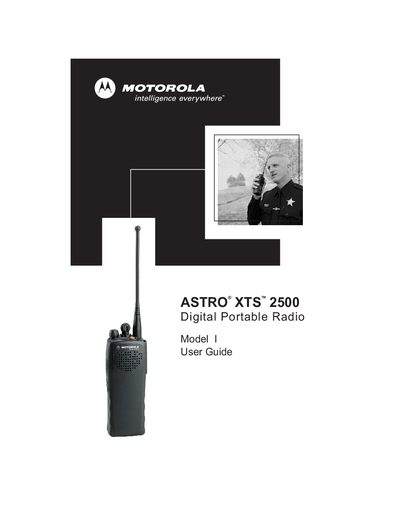
The ASTRO XTS 2500 is a digital portable radio designed for occupational use. This guide provides safety and RF exposure compliance information, as well as instructions for proper handling and operation.
It details the radio’s physical features, programmable functions, emergency features, battery management, and accessory connections, helping users to operate the device efficiently and safely.
The radio is restricted to occupational use only to satisfy FCC RF energy exposure requirements.
Use the instructions "Remove the Connector Cover" and "Attach the Connector Cover" found in the accessories section.
Select "Turn the Radio On" to power up and "Turn the Radio Off" to shut down the device.
Use the "Send an Emergency Alarm" function listed under the Emergency features.