
SBV5120 Series VoIP Cable Modem User Guide, introduces the basic functions and usage of the modem
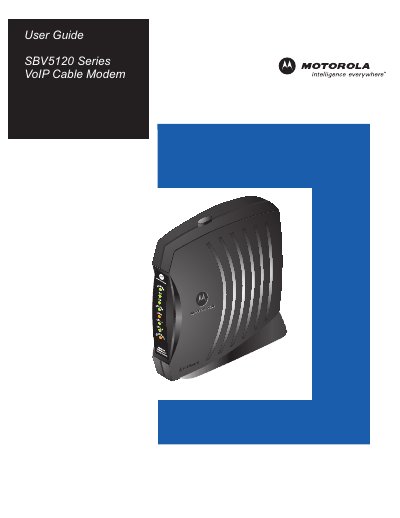
The SBV5120 Series is a Motorola SURFboard® VoIP cable modem that delivers high‑speed Internet and voice services over a coaxial cable connection. It supports both Ethernet and USB connections and can serve multiple computers and two telephone lines.
This guide covers safety precautions, required cabling, power and interface connections, step‑by‑step installation, driver setup for Windows, TCP/IP configuration, and troubleshooting of common error conditions. It also includes a glossary, software license, and contact information for service support.
| Ethernet speed | Up to 100 Mbps (Fast Ethernet) |
|---|---|
| USB interface | USB port for computer connection |
| Telephone ports | Two telephone ports (Tel 1, Tel 2) |
| Maximum supported computers | Up to 31 computers via Ethernet hub |
| Coaxial cable requirement | 75‑ohm coaxial cable with F‑type connectors |
| Reset time | 5 to 30 minutes |
Do not expose the unit to rain or moisture, use only the supplied power and interface cables, follow national wiring codes, and never open the unit yourself.
The modem can support up to 31 computers when an Ethernet hub is used.
A 75‑ohm coaxial cable with F‑type connectors is required.
Press the recessed reset button; the reset process may take between 5 and 30 minutes.